
Download Swiff Chart – animated charts, data visualization, chart maker, presentation tool, visual effects
Overview
Swiff Chart is a mobile application designed to simplify the process of creating and presenting complex data through dynamic, animated visualizations. Its primary purpose is to transform raw numbers into engaging, easy-to-understand charts that captivate audiences and enhance comprehension. The app targets users in educational, business, and professional environments who need to communicate data effectively during presentations or reports.
Whether a teacher illustrating trends in student performance or a business analyst showcasing quarterly results, Swiff Chart offers tools to elevate the clarity and impact of data storytelling. The developer, Swiff Chart, has positioned the app as a lightweight yet powerful utility within the productivity category, focusing on visual communication rather than data processing. Although specific details about the company’s background are not provided, the app’s long-standing presence—released in 2012—suggests a stable and dedicated development effort.
Real-world use cases include classroom teaching, internal business reporting, and digital content creation. In the broader app ecosystem, Swiff Chart fills a niche for accessible, mobile-first data visualization tools, offering an alternative to desktop-heavy software without sacrificing visual quality.
Key Features & Functionality
- Animated Chart Creation: Swiff Chart enables users to generate charts with progressive animations, where elements like bars or pie slices appear one by one. This feature enhances audience engagement and supports step-by-step data interpretation, particularly useful in educational or presentation settings.
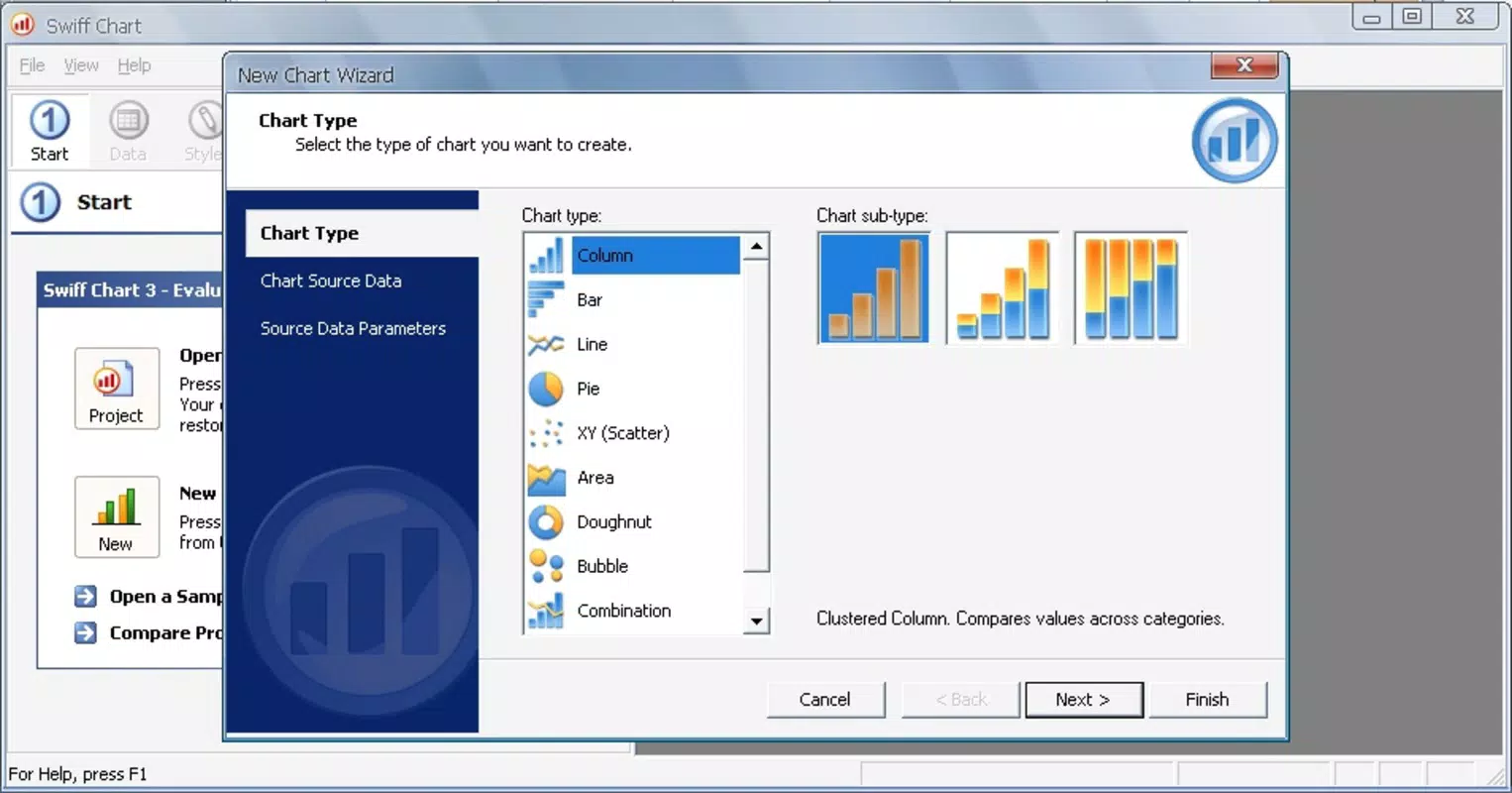
- Variety of Chart Types: The app supports multiple chart formats, each with tailored animation styles. Users can choose from bar charts, line graphs, pie charts, and others, ensuring flexibility in visual expression based on the nature of the data.
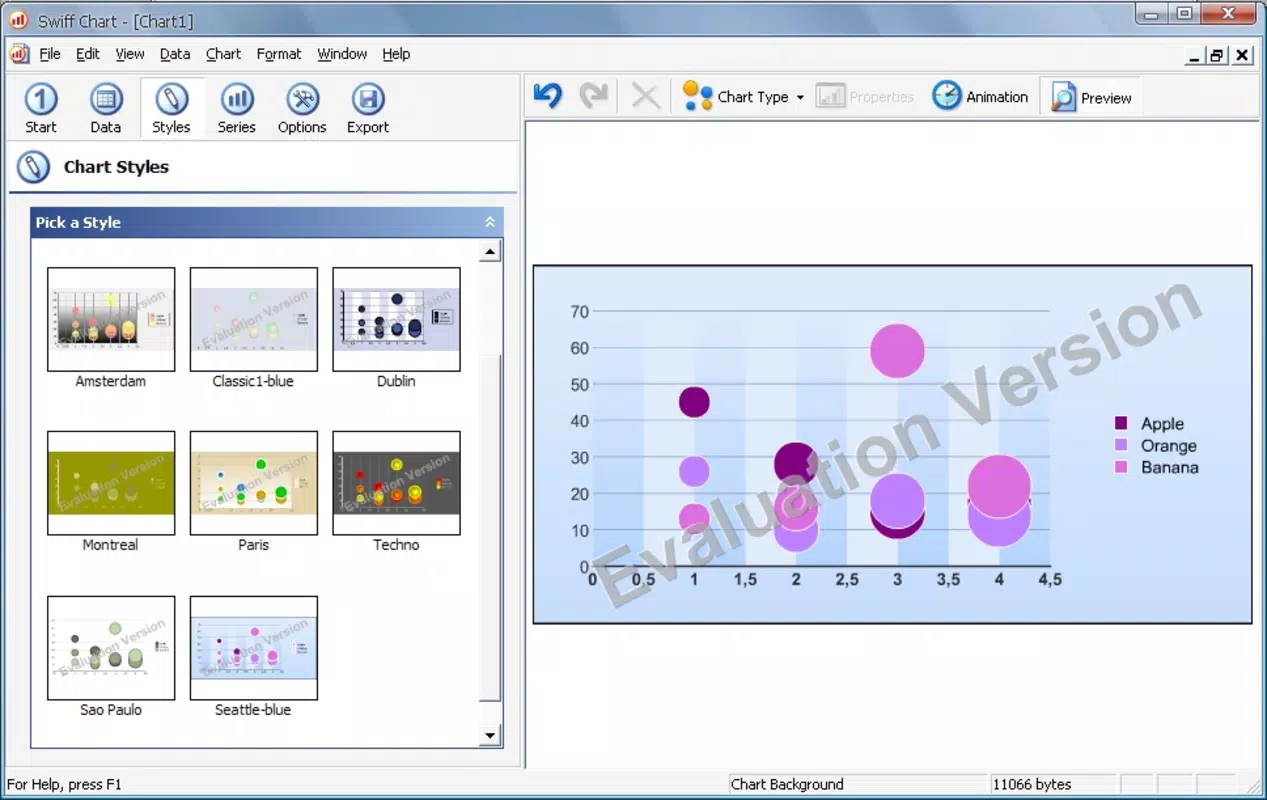
- Visual Effects and Styles: A selection of customizable visual effects allows users to adjust colors, gradients, transitions, and layout themes. These options help create professional-looking charts that align with branding or presentation aesthetics.
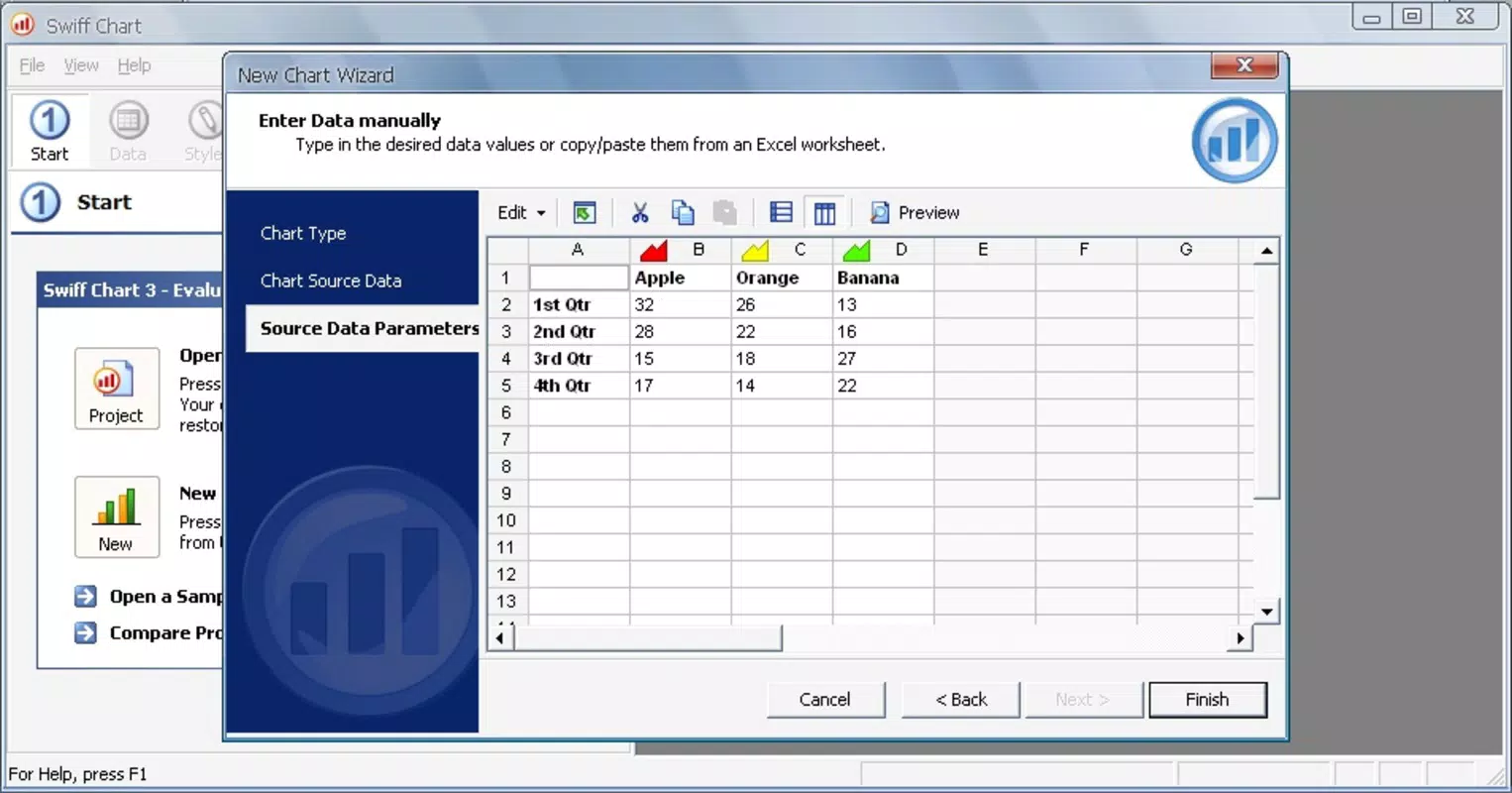
- Data Import and Manual Entry: Users can input data directly into the app or import it from Excel files, offering a seamless integration with common data workflows. This dual input method ensures accessibility for users with varying technical levels.
- Flexible Export Options: Completed charts can be saved as Flash Movies or static images, enabling broad compatibility across platforms and presentation tools. This adaptability supports sharing via email, social media, or embedded content.
For example, a marketing team could use Swiff Chart to animate a monthly sales comparison, gradually revealing each bar to emphasize growth trends. Similarly, a student preparing a science project might import lab results and export a polished image for inclusion in a digital report.
Interface, UX & Performance
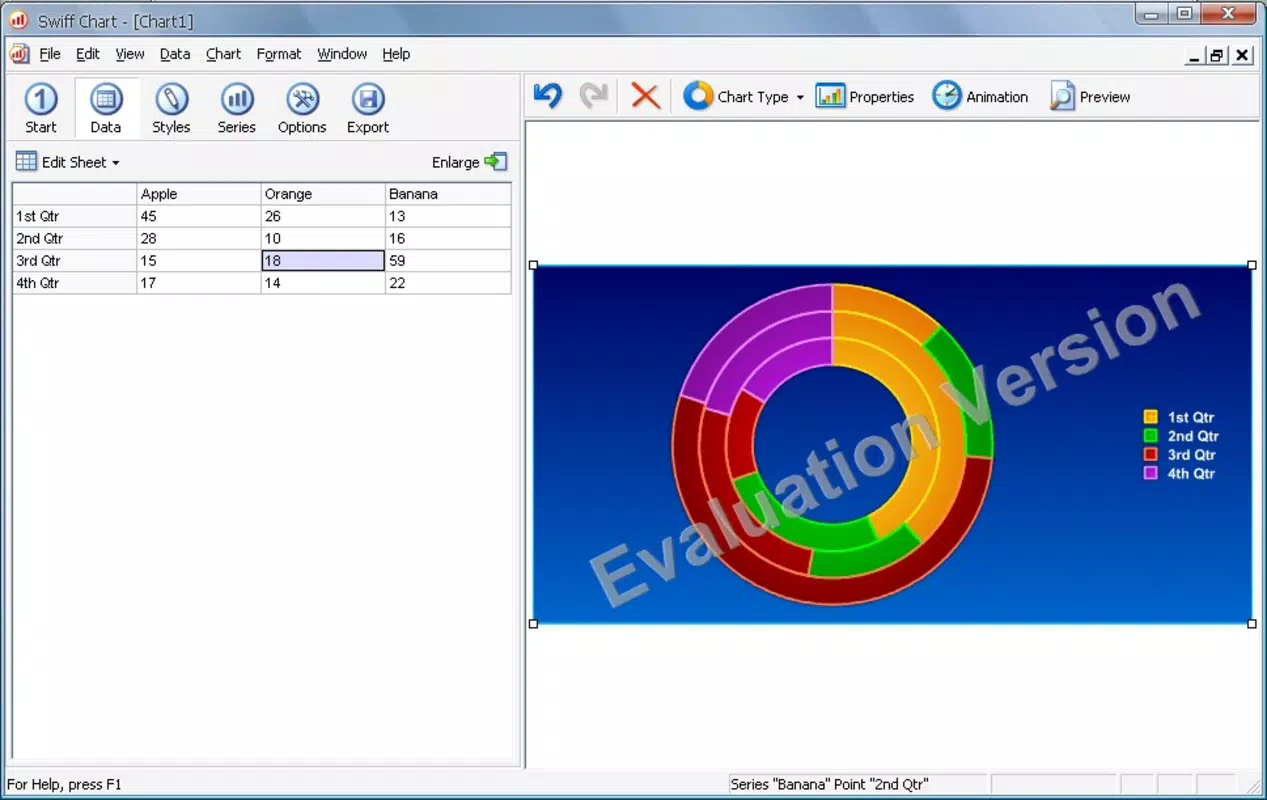
Swiff Chart features a clean, intuitive interface that prioritizes ease of use. The layout is organized around a central canvas where charts are created and edited, with toolbars and menus positioned for quick access. Visual feedback is immediate, with real-time previews of animations and style changes.
Navigation is straightforward, allowing users to switch between data entry, chart customization, and export functions with minimal clicks. The app maintains a consistent design language, using clear icons and legible text, which reduces the learning curve for new users. Although the developer did not list formal performance metrics, the app’s file size of 10.1 MB suggests a lightweight footprint, which typically correlates with efficient memory usage and fast loading times.
Performance on older or lower-end Android devices is likely to be stable, given the app’s long history and minimal resource demands. Responsiveness across different screen sizes appears to be well-managed, though specific device compatibility details were not disclosed. Overall, the user experience reflects a focus on functionality over complexity, making it accessible to both beginners and experienced users seeking a streamlined data visualization tool.
Platform Compatibility & Technical Requirements
Swiff Chart is available on the Android platform. The current software version is 2.2.0, with a file size of 10.1 MB. The app is free to download and use, with no in-app purchases or subscription models indicated.
While the developer did not specify minimum OS requirements, the app’s release date of 2012 suggests it may support older Android versions, potentially down to Android 2.3 or higher. However, compatibility with modern Android systems, particularly those above Android 10, has not been confirmed. Users should verify system compatibility before installation.
No additional hardware requirements were listed. For those seeking to install the app on newer devices, it may still function, but performance or display issues could arise due to outdated code or deprecated APIs. The absence of a dedicated iOS version or other platform support was noted.
Pros and Cons
Pros
- Lightweight design with a small file size of 10.1 MB.
- Free to download and use with no hidden costs.
- Supports both manual data entry and Excel file import.
- Offers animated charts to improve audience engagement and comprehension.
- Multiple export formats including Flash Movies and images.
Cons
- Platform availability is limited to Android only.
- Release date of 2012 raises concerns about long-term support and modern compatibility.
- Developer did not provide detailed system requirements or OS compatibility.
- No visible updates since version 2.2.0, suggesting potential stagnation.
- Limited to a single platform, reducing accessibility for iOS users.
FAQ
Is Swiff Chart safe to download and install?
Yes, Swiff Chart is available through official Android channels and is free from known malware. However, users should ensure they are downloading from trusted sources to avoid modified or compromised versions.
Can I use Swiff Chart on iOS devices?
The app is currently available only on Android. There is no official iOS version available at this time.
What file formats can I export my charts to?
Charts can be exported as Flash Movies or static images, offering flexibility for use in presentations, websites, or reports.
Does Swiff Chart support real-time data updates?
There is no indication that Swiff Chart supports live or real-time data synchronization. Data must be entered or imported manually.
Is Swiff Chart still being updated?
The app’s last version was released in 2012, and no updates have been reported since. This suggests the app may no longer be actively maintained.
Final Thoughts
Swiff Chart remains a notable tool in the mobile productivity space, particularly for users who value animated, visually engaging data presentations. Its ability to convert static data into dynamic visuals makes it a practical choice for educators, presenters, and content creators seeking accessible chart-making capabilities. While the app’s age and lack of recent updates are notable drawbacks, its core functionality—animated chart creation, flexible export, and cross-data input—remains relevant.
For Android users looking for a lightweight, free solution to enhance their data storytelling, Swiff Chart offers a unique blend of simplicity and visual appeal. However, those requiring modern features, ongoing support, or iOS compatibility may need to explore alternative tools. Despite its limitations, the app continues to serve a specific niche with consistent performance and ease of use.
Download Swiff Chart now


